FAQ

Helmet Intercom
1.Make sure both the App and device firmware are updated to the latest version. 2.The rider and passenger devices must enter a new Group Mode (no third-party device connected). 3.Play music on the paired smartphone. 4.Double-press the Function Button on the device to start sharing music. 5.Press the Intercom Button once to stop sharing.
To use voice control effectively, please follow these tips: 1.Use the exact wake word: “Hi Max”. Variations like “Hey Max” may not be recognized. 2.Wait for the device to respond before speaking your command — don’t combine the wake word and command in one sentence. 3.When not connected to a phone, only offline voice commands are available. Supported languages: English, Spanish, and Japanese. Offline commands are fixed and cannot be customized. 4.When connected to a phone, “Hi Max” can trigger your phone’s voice assistant (like Siri or Google Assistant), supporting a full range of actions in your phone’s system language. → You can disable this feature anytime in the ASMAXWorld App.
The app offers device languages in multiple countries, including English, German, Italian, French, Spanish, Japanese, Chinese, Korean, and Russian, which can be switched in the app.
ASMAX provides 2 years warranty from the date of purchase and provides support for any issues.
ASMAXWorld APP
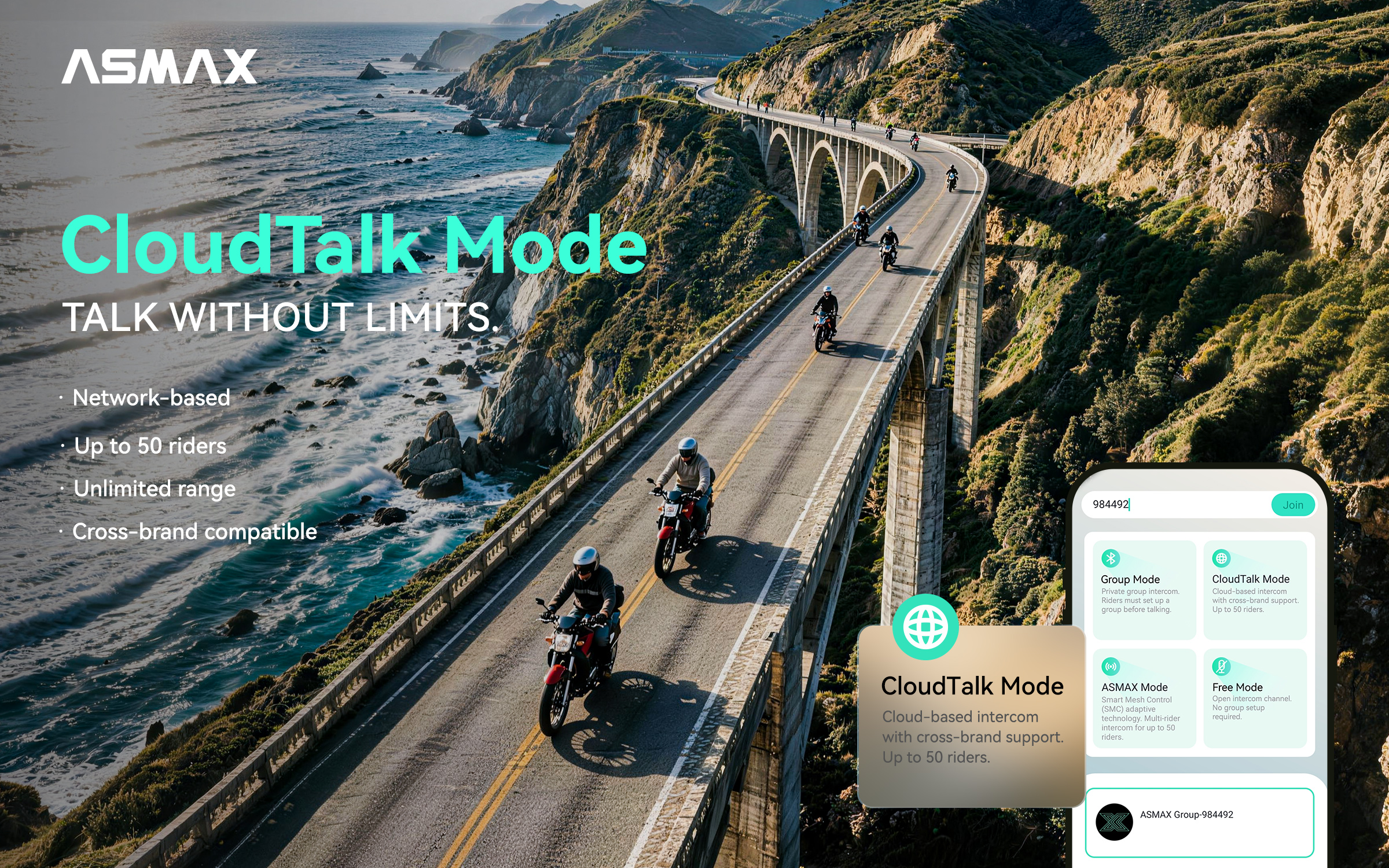
This usually happens when the app or firmware is not up to date: 1. Make sure your ASMAX WORLD App is updated to the latest version. 2. Update your headset firmware, as older versions may not support ASMAX Mode.
CloudTalk Mode connects your team over mobile data, so there’s no distance limit — as long as your network is stable. It allows up to 50 riders to talk together, and only requires sharing a Room ID — no pairing or searching needed. In comparison, Group Mode and Free Mode use Bluetooth or Mesh, which have distance, brand, and group size limitations.
Yes. CloudTalk Mode is designed to work across different brands. Whether your team uses ASMAX models or other intercom brands, everyone can connect through CloudTalk. It breaks traditional brand limitations — just share a Room ID and ride connected.
Please ensure the following: 1.Your password is 6–16 characters with both numbers and letters (no symbols). 2.Check for typos in your email. 3.Look in your spam/junk folder for the verification code. Still not working? Contact us directly!
Intercom Modes
This usually happens when the app or firmware is not up to date. 1. Make sure your ASMAX WORLD App is updated to the latest version. 2. Update your headset firmware, as older versions may not support ASMAX MODE.
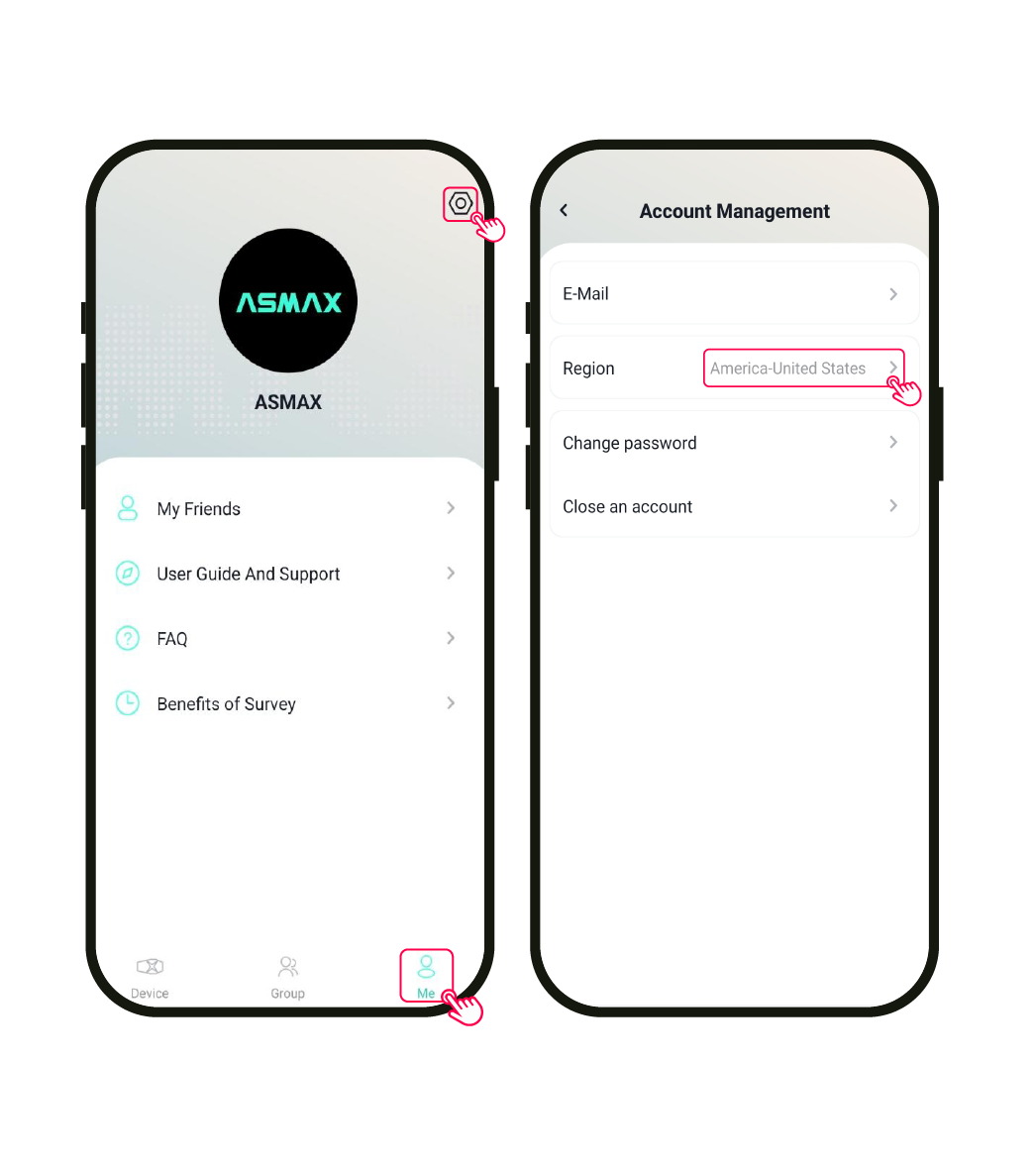
This is usually caused by server region mismatch. 1. Ensure all riders select the same server region in “My Settings”. 2. Users must be on the same region to join and communicate.
This is usually related to phone background restrictions. 1. Check if the ASMAX WORLD App has required permissions enabled 2. Make sure the app is not being closed by system battery optimization or background management
No. ASMAX MODE only works between ASMAX devices. To connect with other brands, please use CloudTalk Mode, which operates via mobile network.
Yes. The app must remain active in the background with network access. If the app is fully closed, the group connection will end; Screen off does not affect operation; However, if the system force-closes the app in power-saving mode, the connection will be interrupted.
Data is only used when network communication is active. Usage is similar to standard voice communication apps.
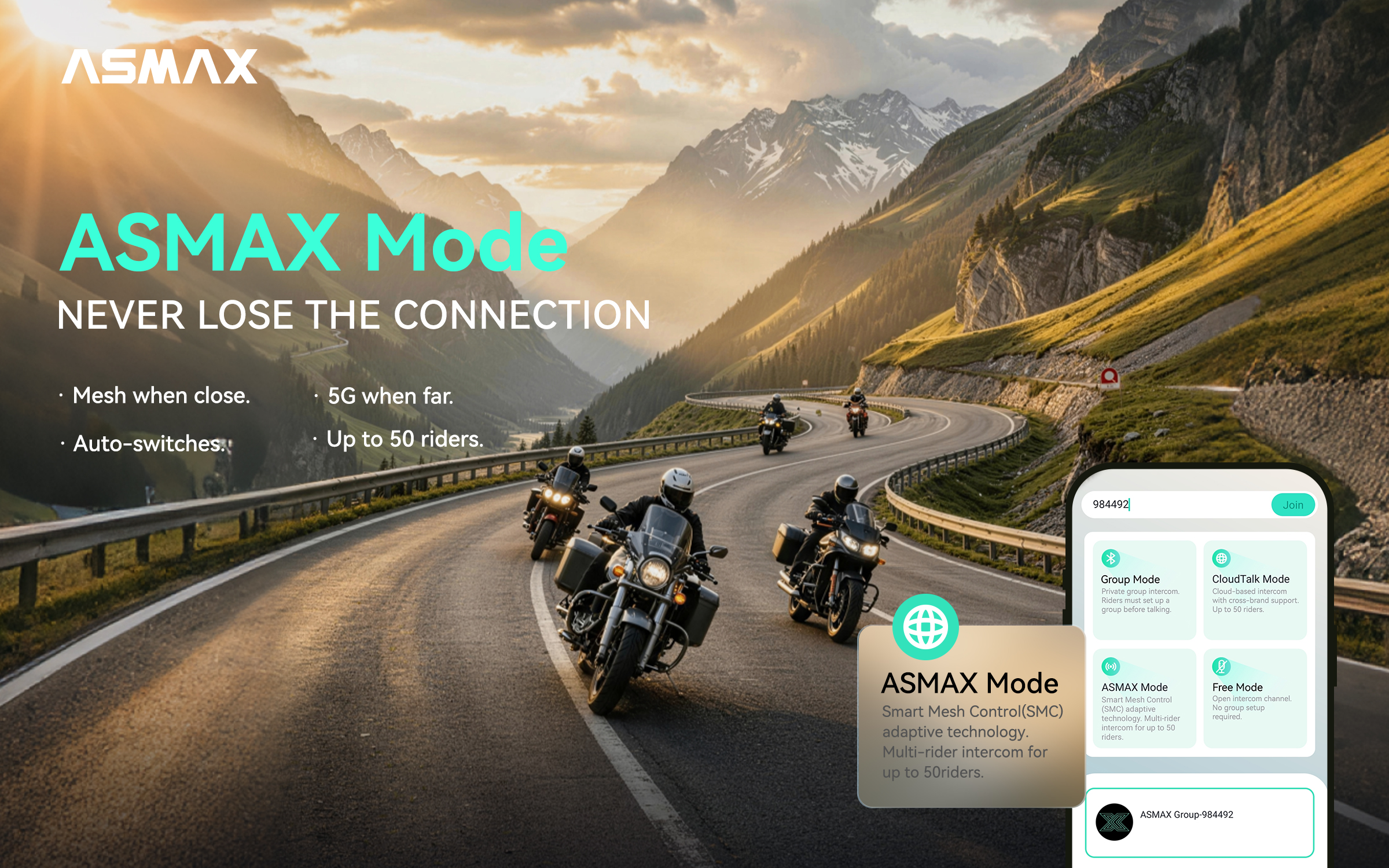
1.Download the latest version of the ASMAX WORLD app from your app store. 2.Ensure all users select the same region (e.g., USA, Spain) in the app settings. 3.Choose CloudTalk Mode, a Room ID will be generated automatically. 4.Share the Room ID with your team — they can join instantly by entering the ID.
Yes. CloudTalk Mode is designed to work across different brands. Whether your team uses ASMAX models or other intercom brands, everyone can connect through CloudTalk. It breaks traditional brand limitations — just share a Room ID and ride connected.
Yes, all ASMAX models support CloudTalk Mode.
CloudTalk Mode connects your team over mobile data, so there’s no distance limit — as long as your network is stable. It allows up to 50 riders to talk together, and only requires sharing a Room ID — no pairing or searching needed. In comparison, Group Mode and Free Mode use Bluetooth or Mesh, which have distance, brand, and group size limitations.
HOW IT WORKS
Step 1: Download & Setting
- Make sure everyone has the latest ASMAX WORLD app and the latest intercom firmware installed.
- All teammates must select the same region in their account settings.
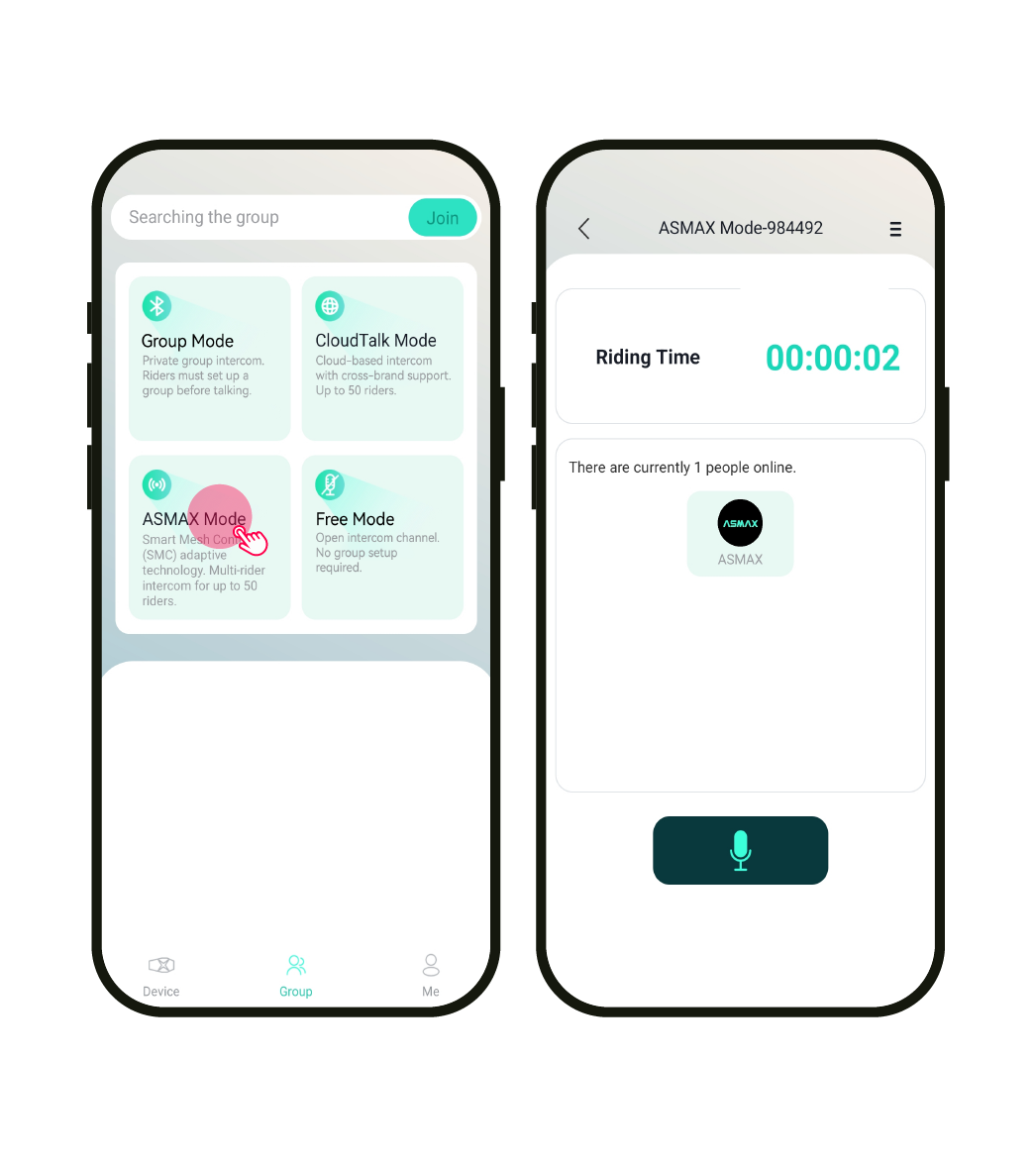
Step 2: Create or Join
- One teammate taps ASMAX Mode to create a room.
- A Room ID is generated automatically.
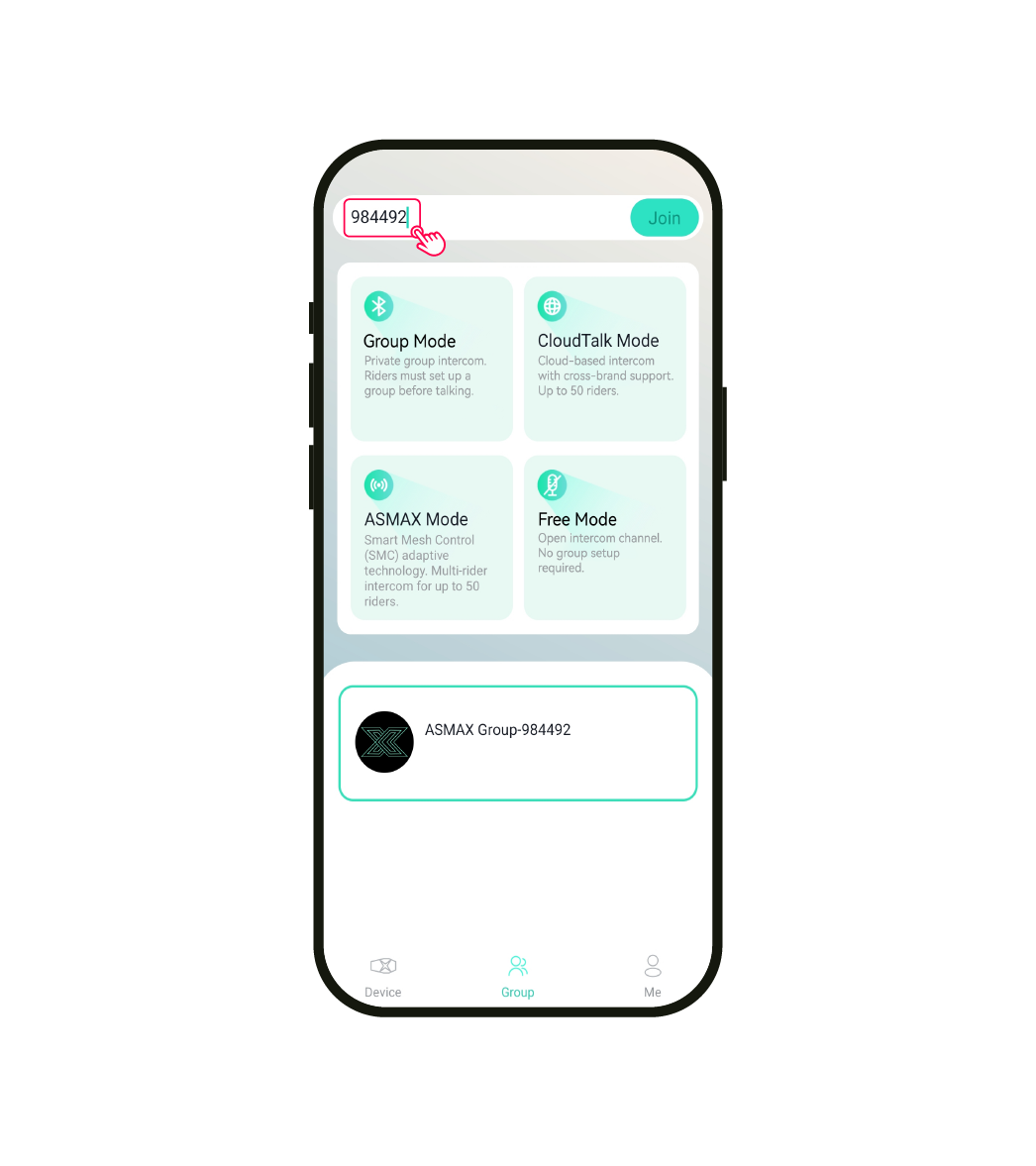
Step 3: Ride Connected
- Share the Room ID with your team.
- Teammates search the Room ID in the App and join the room.
HOW IT WORKS
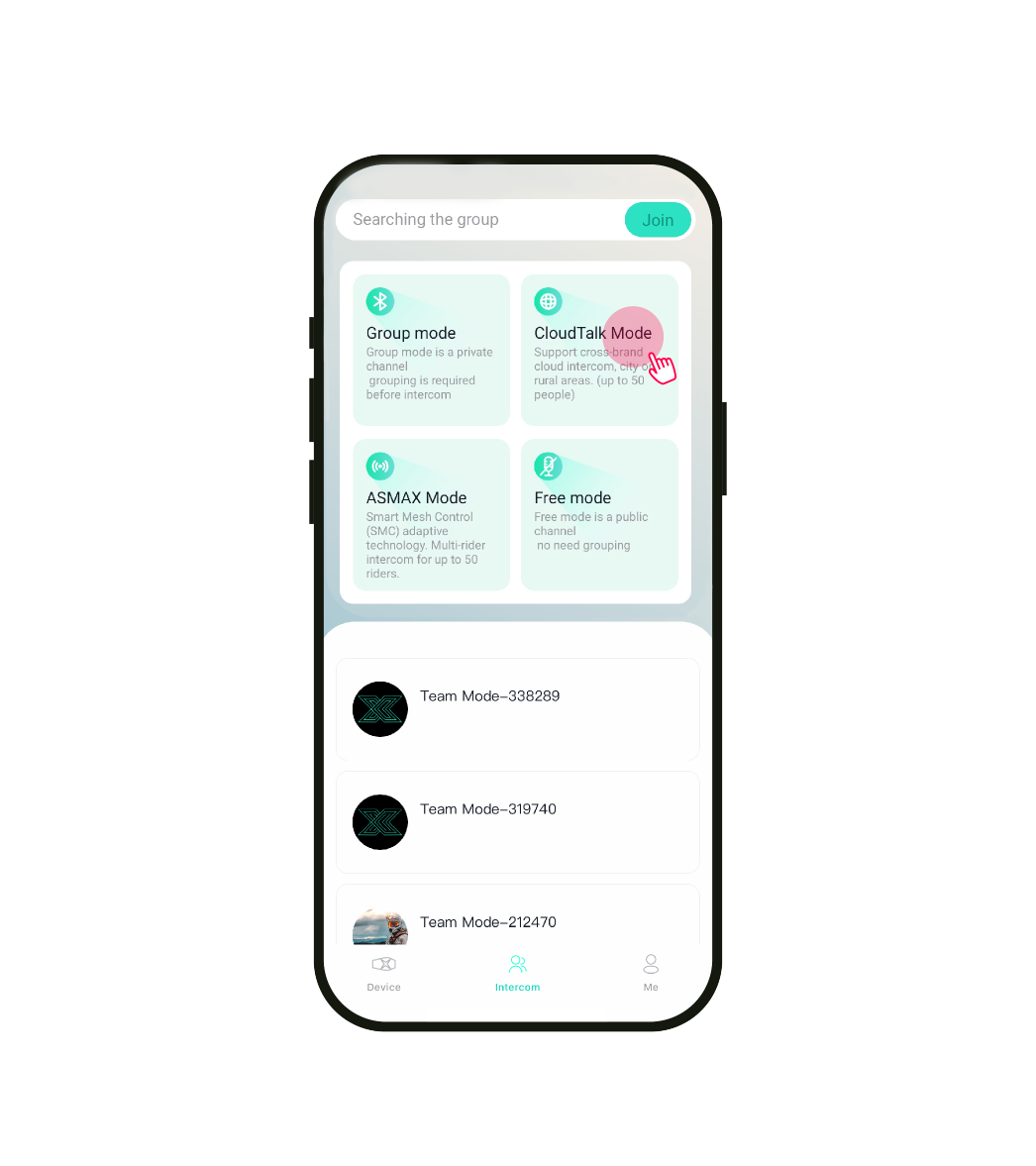
Step 1: Download & Launch
- Make sure everyone has the latest version of the ASMAX WORLD app.
- One teammate taps CloudTalk Mode to create the group.
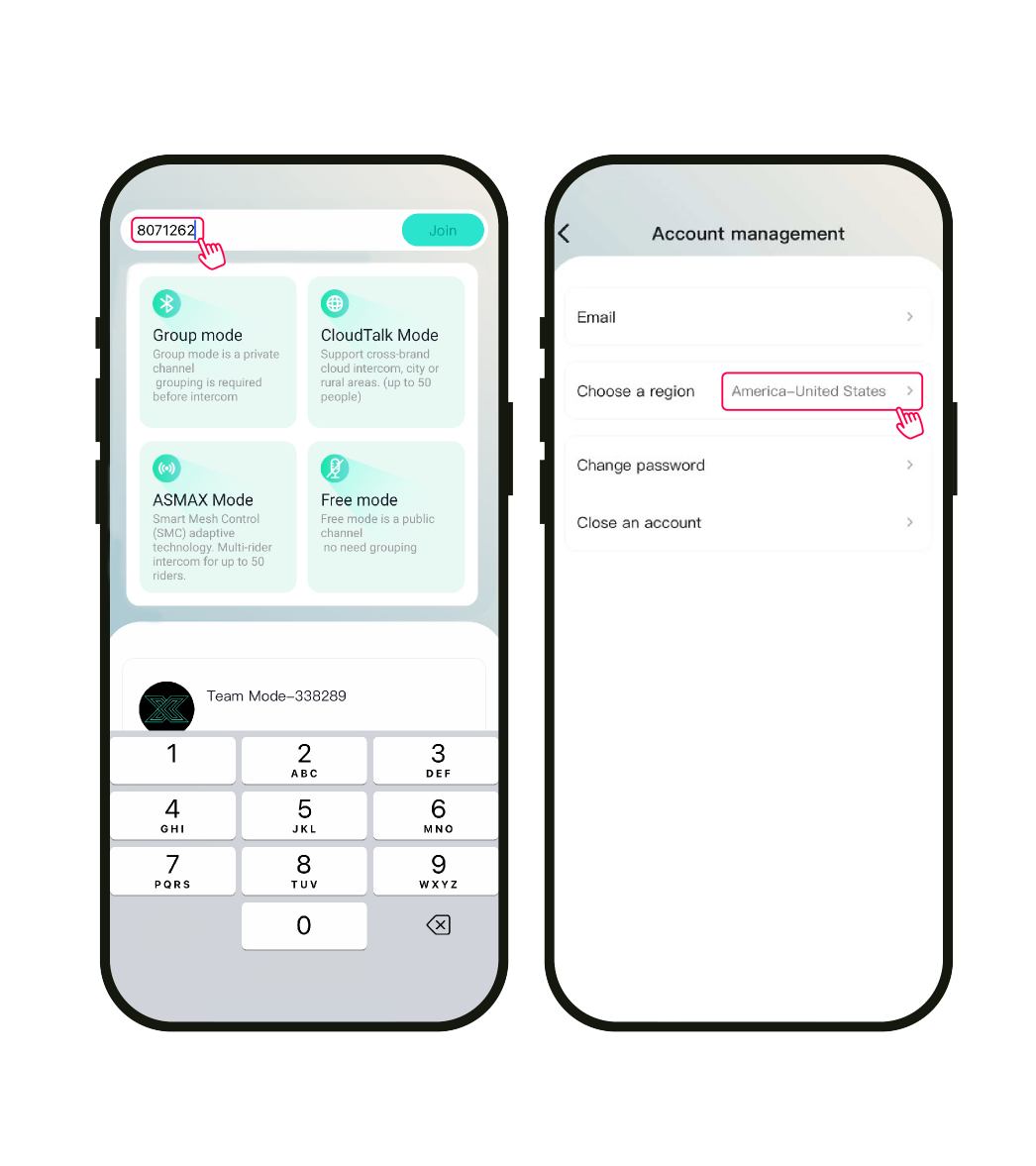
Step 2: Create or Join
- The system creates a Group Room and shows your Room ID.
- Share the ID with your team.
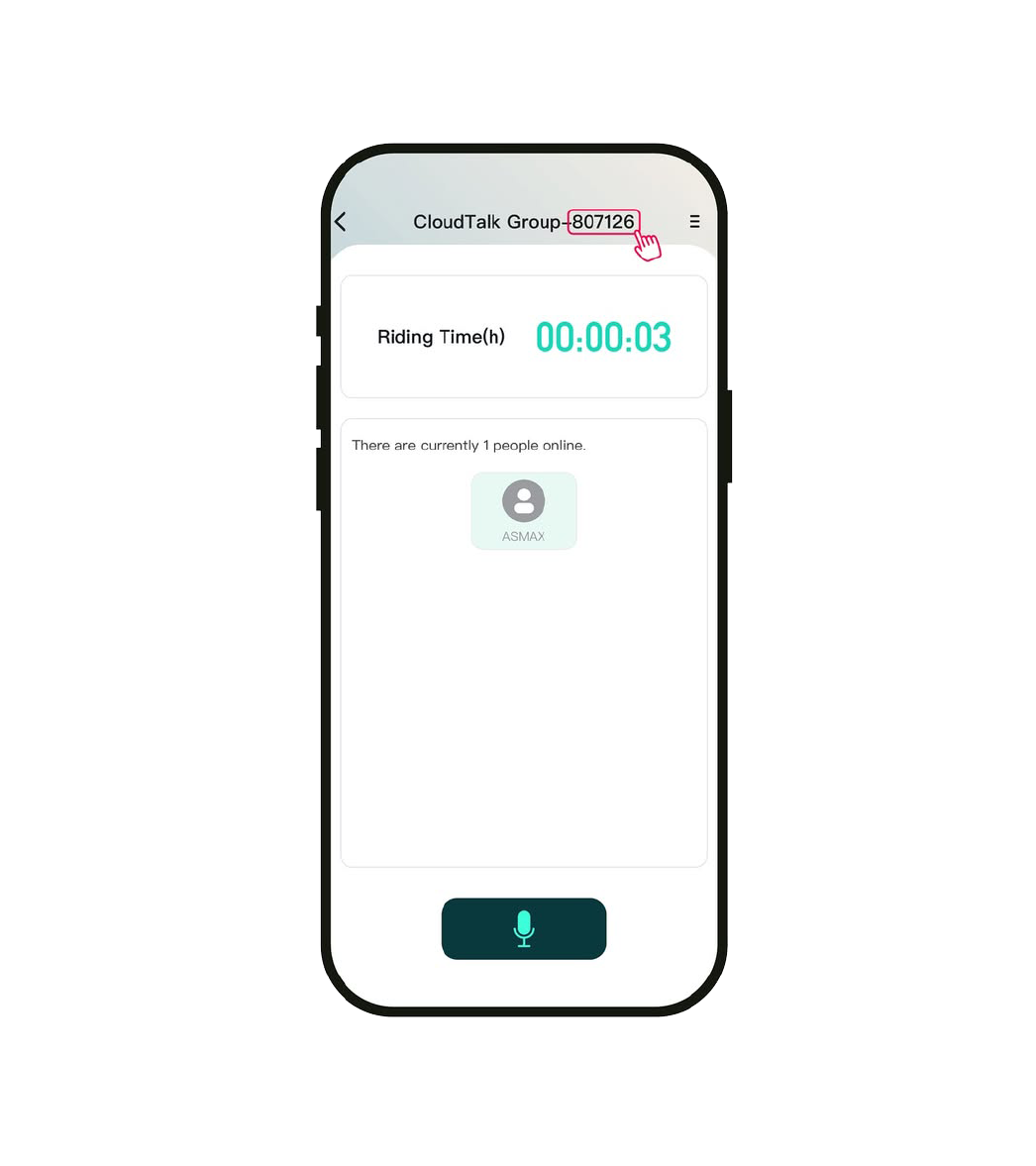
Step 3: Ride Connected
- Teammates open the app, search the Room ID, and join the group.
- Everyone must select the same region in the app.
HOW IT WORKS
HOW IT WORKS
LATEST OTA FIRMWARE VERSIONS
Keep your device up to date for the best performance. Watch update guide.
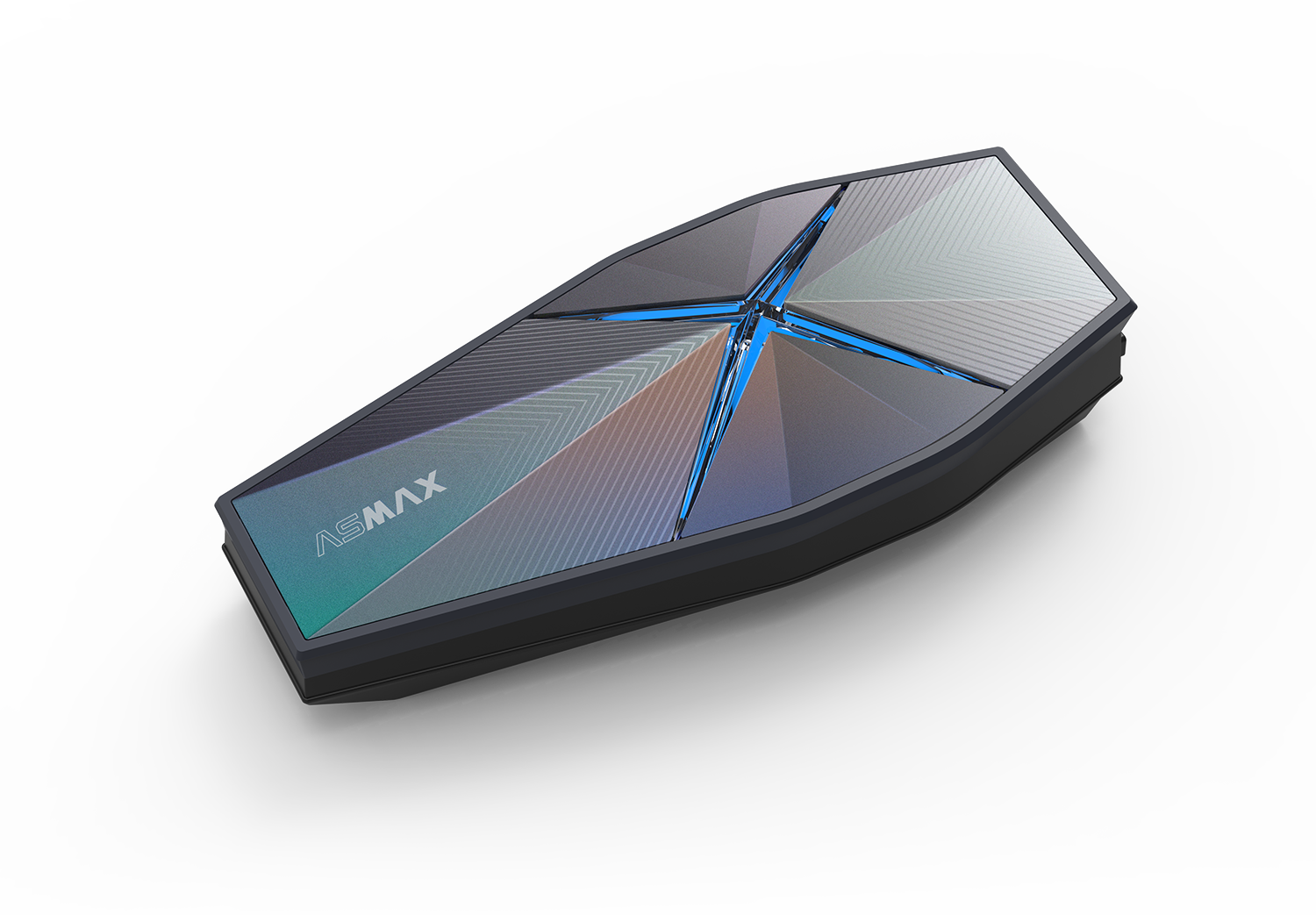
F1 Pro
V 1.0.1.2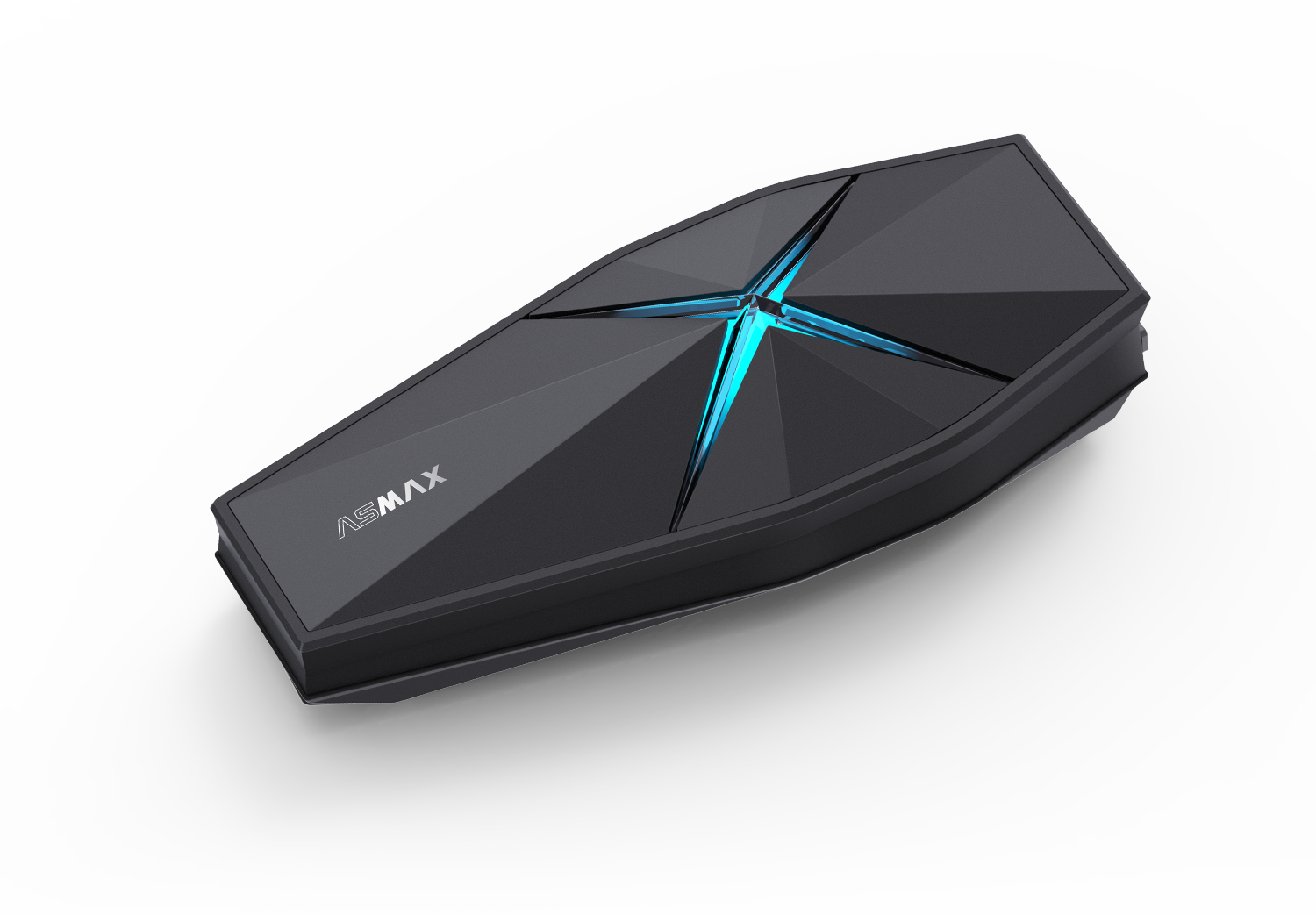
F1 Pro Max
Firmware A: V 1.0.0.6; Firmware B: V 1.0.0.5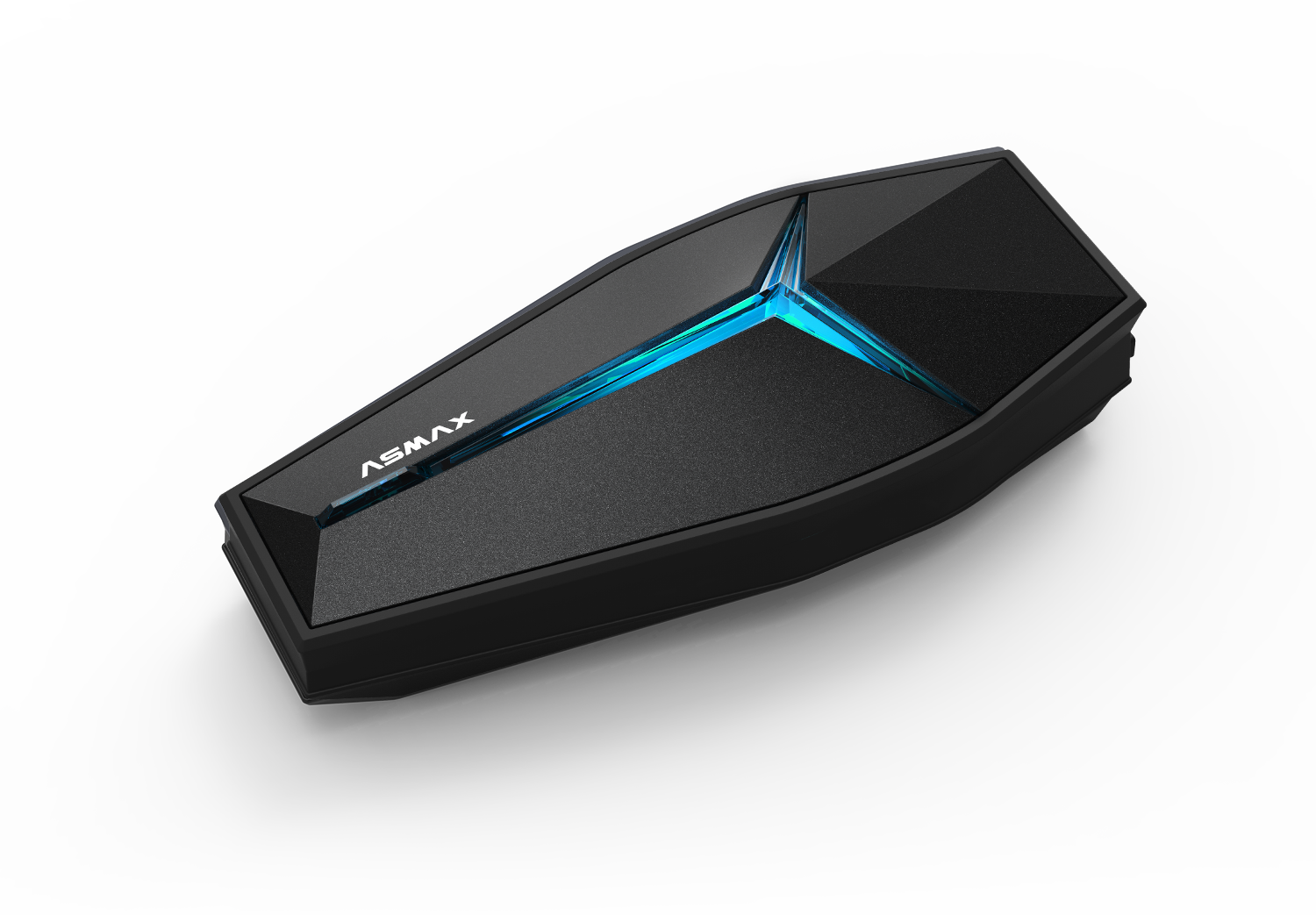
Future 1
V 1.0.0.5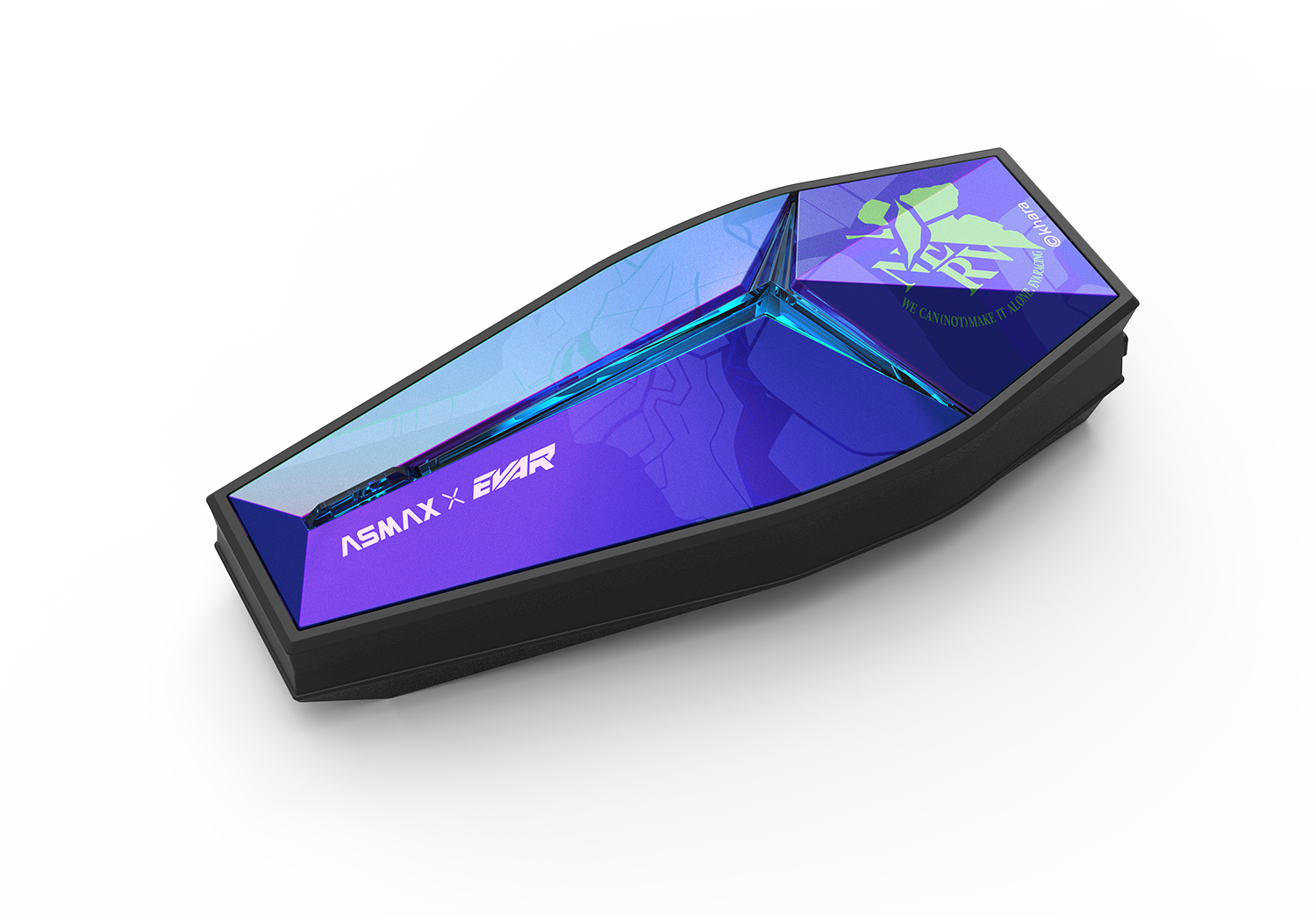
Future 1 EVA R
V 1.0.0.5